
Beta · AGPL-3.0
Edit, share and comment on prototypes built with your design system
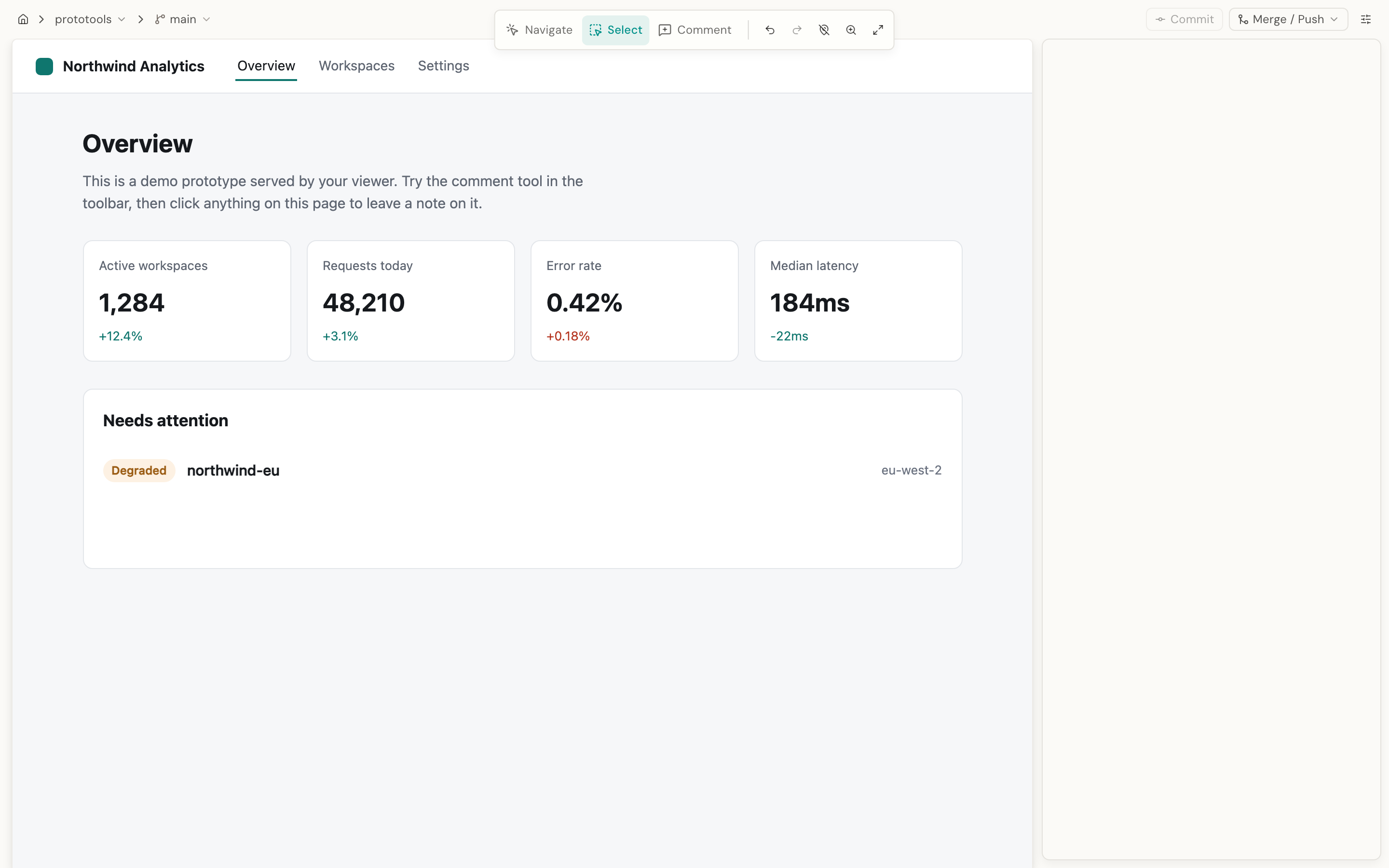
Two apps you run yourself. The editor turns a click on your running prototype into a real change in your source. The viewer serves the built prototype behind a link and pins comments to what they are about.
Editor for macOS · Vue 3 and React · Vite, Nuxt, React Router, Next.js · no hosted service
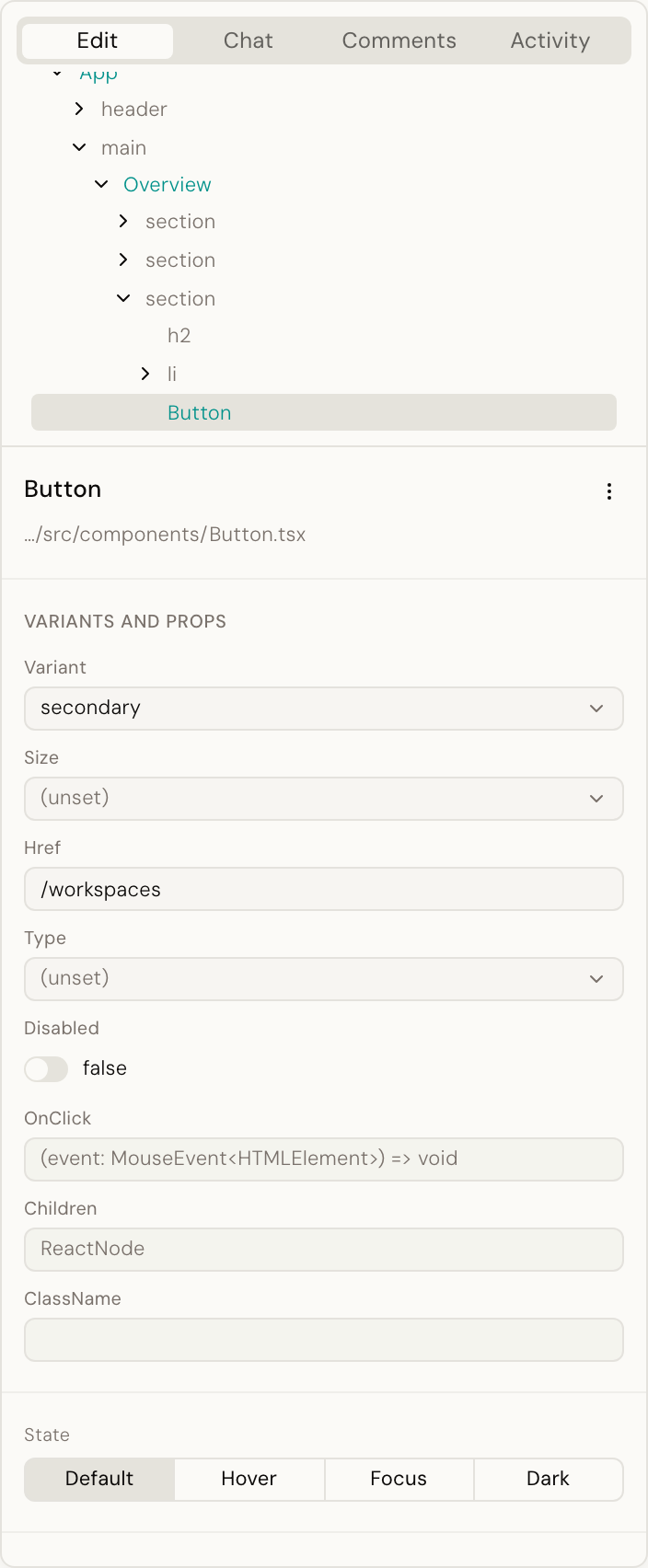
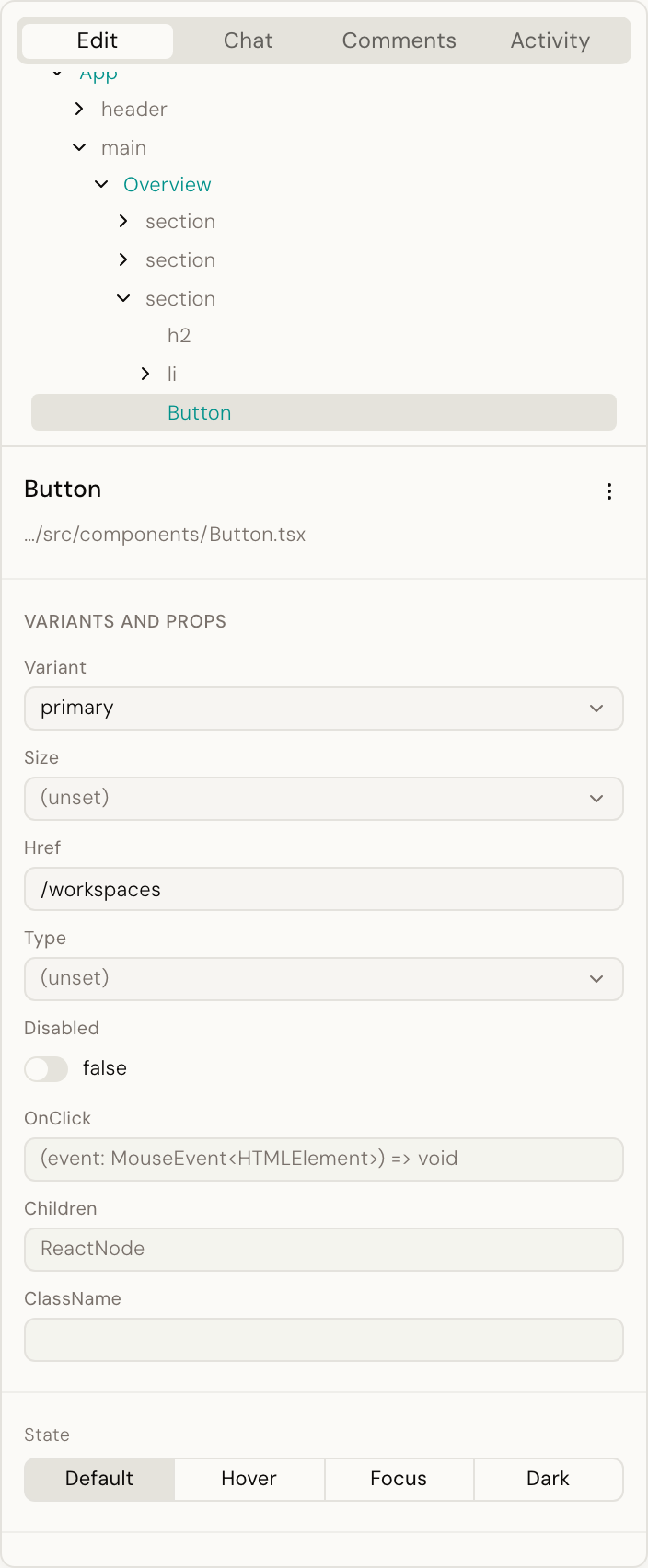
Your design system, every style and variant, right where you click.
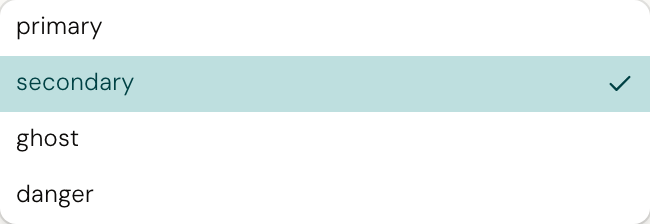
Click a button and the panel lists the variants and styles your components define, read from their own type definitions. Pick one and it is written into your source, the way you would have written it.
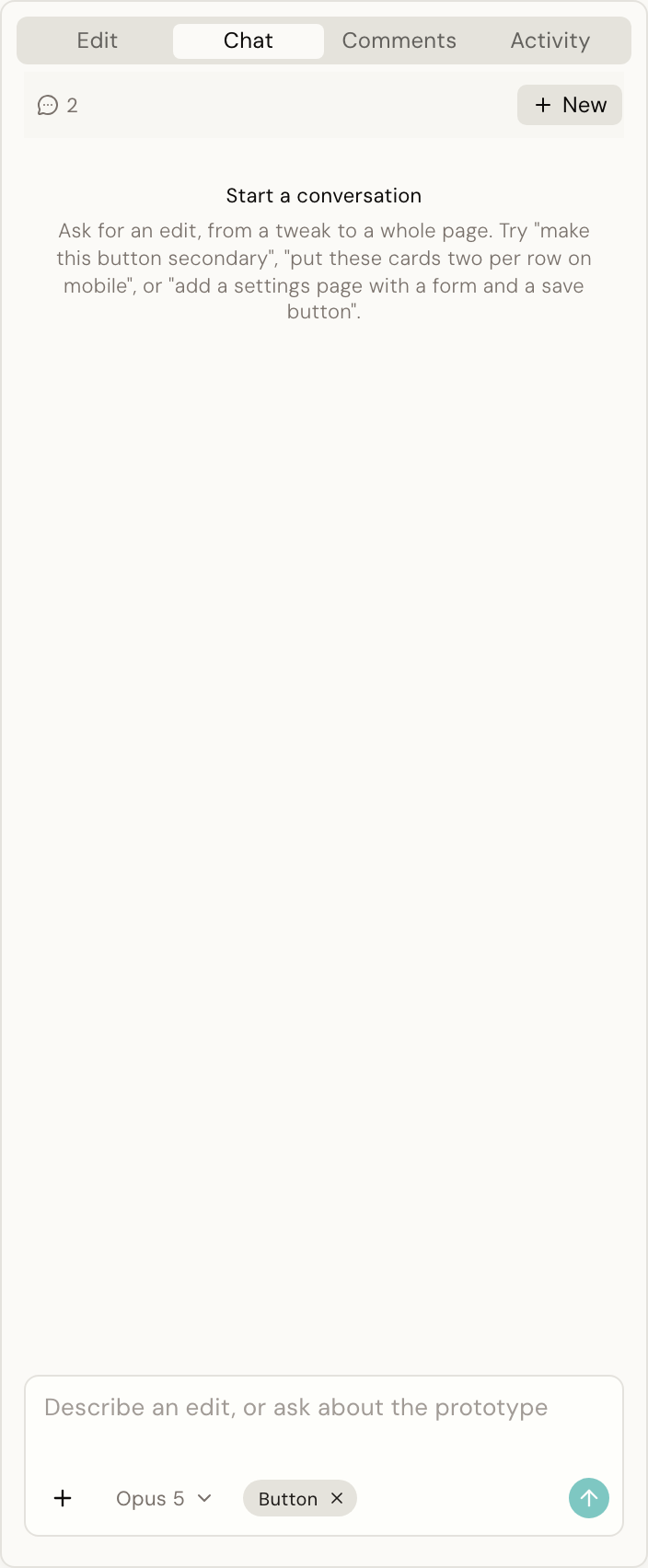
AI, when you need it
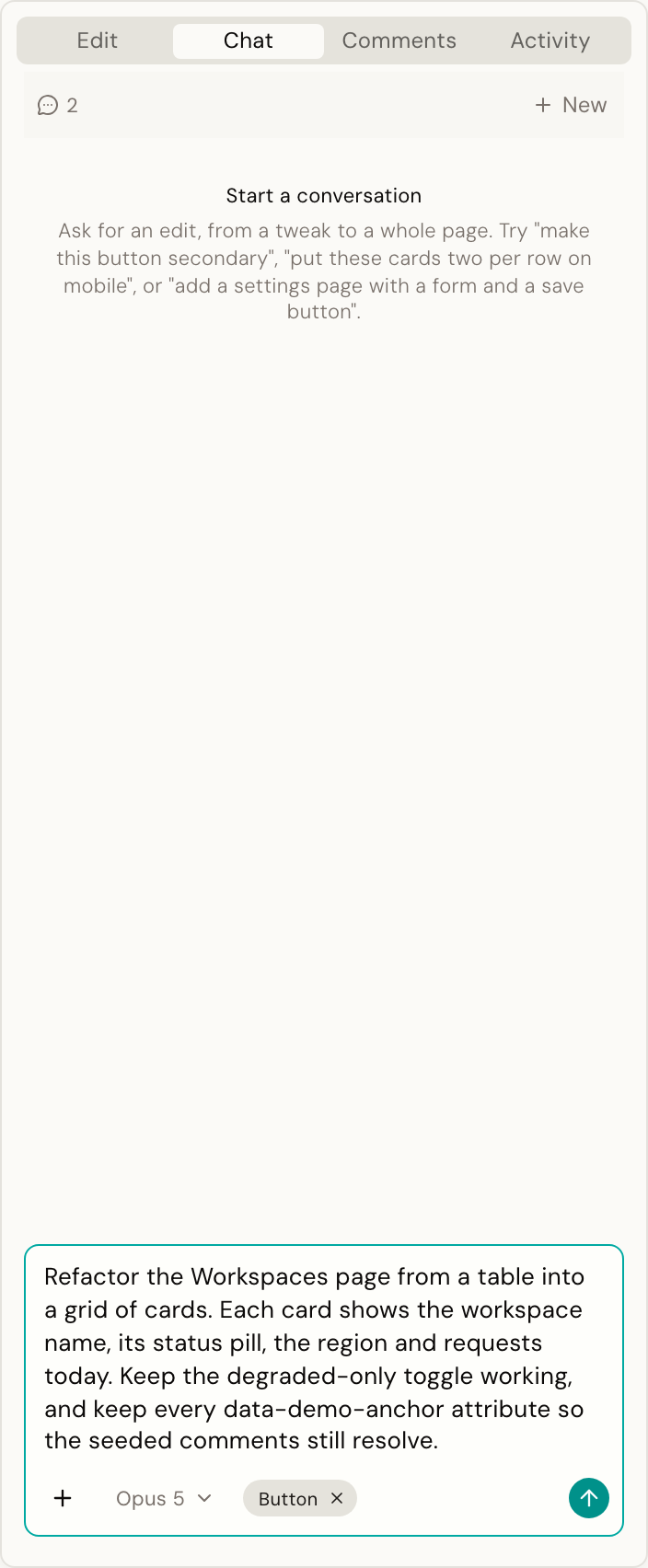
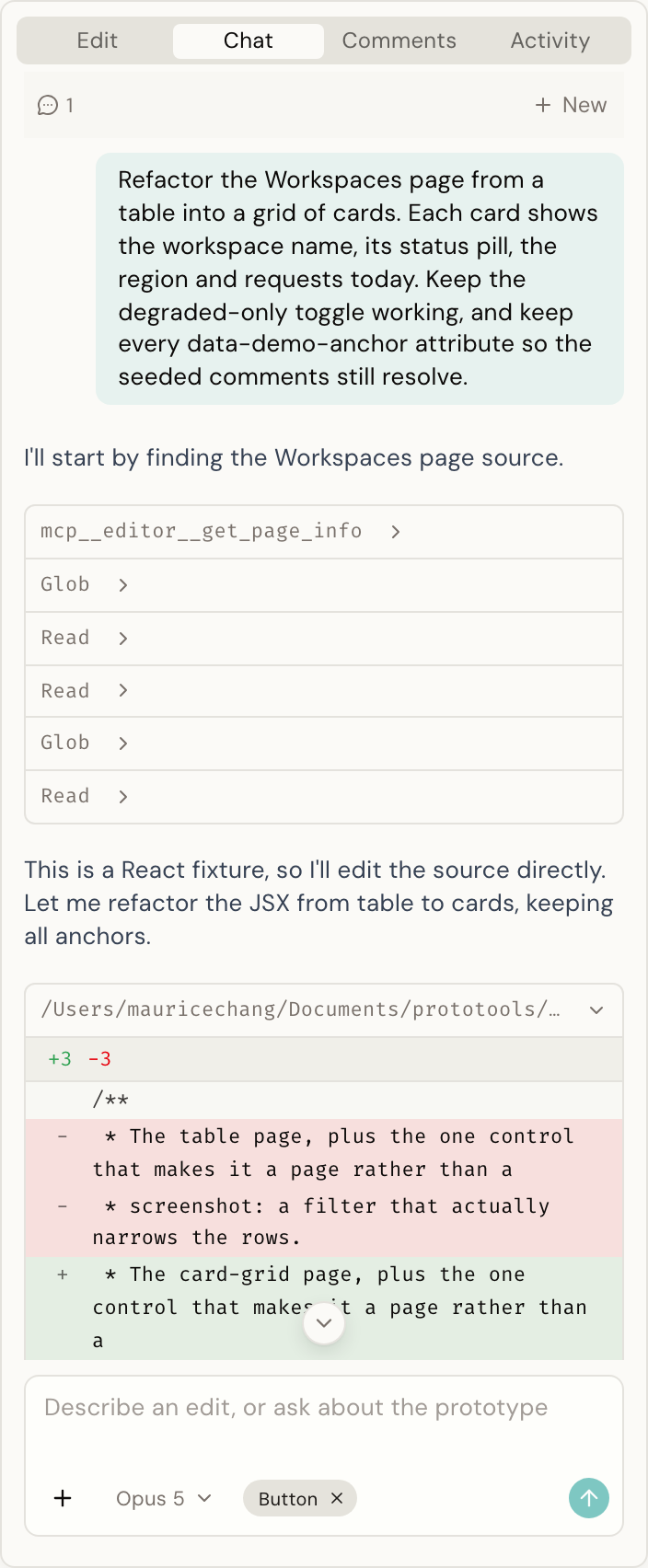
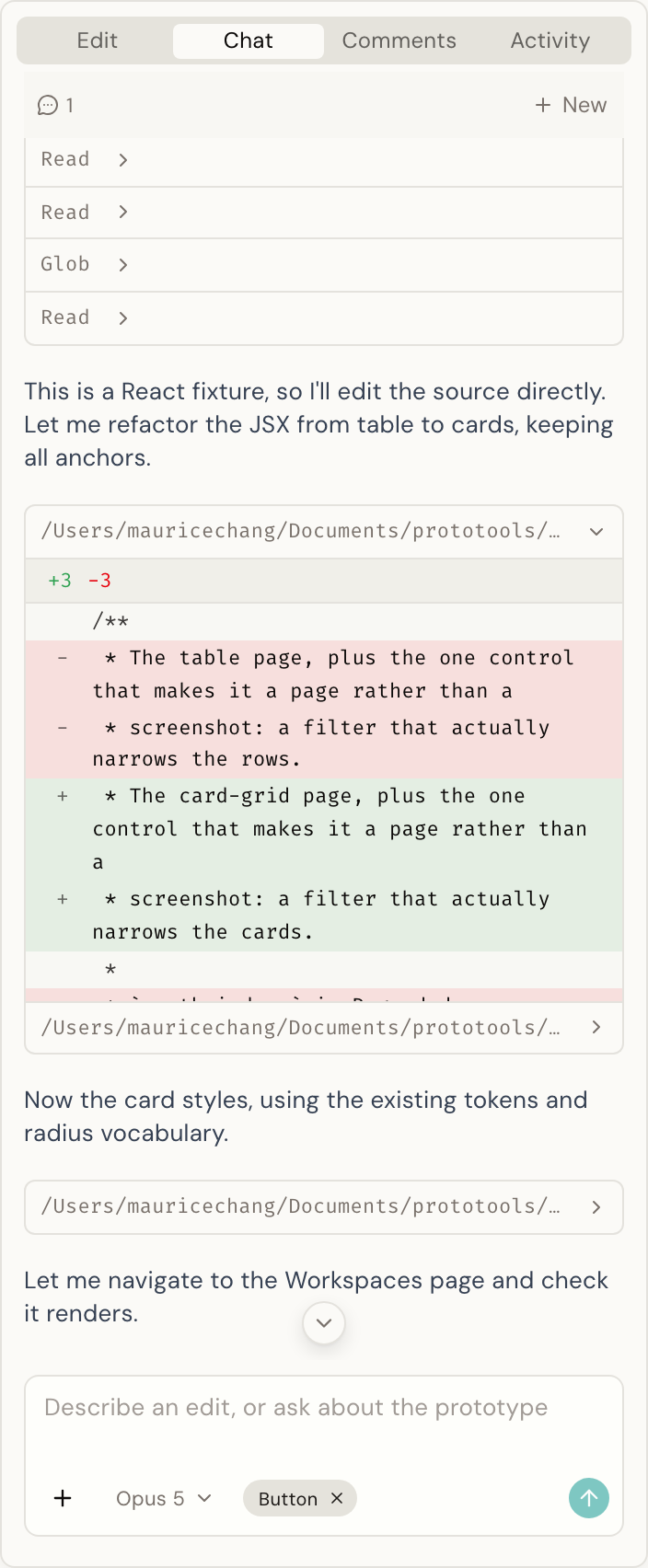
Direct edits. AI as the backup, not the default. Most changes go straight into your source with no model involved. When a change needs judgment, ask for it in the chat: a new page, a refactor, a question about what you see. It edits the same files, with the same undo.
Host, share and collaborate
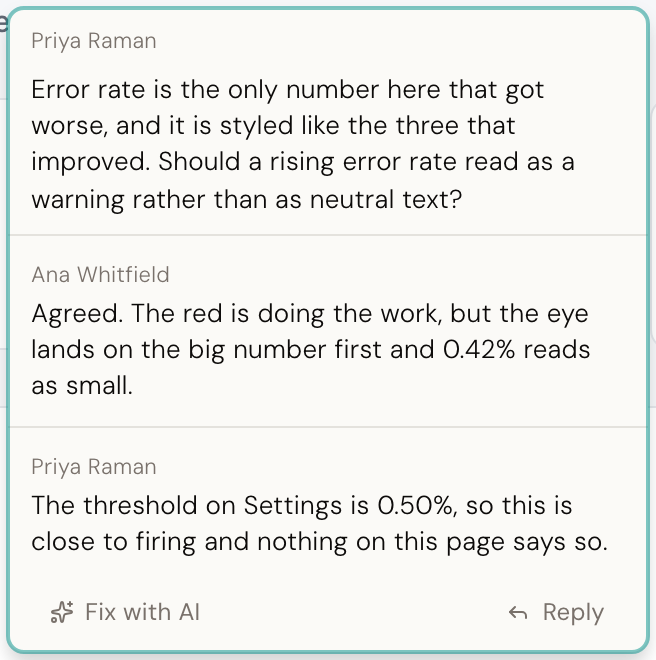
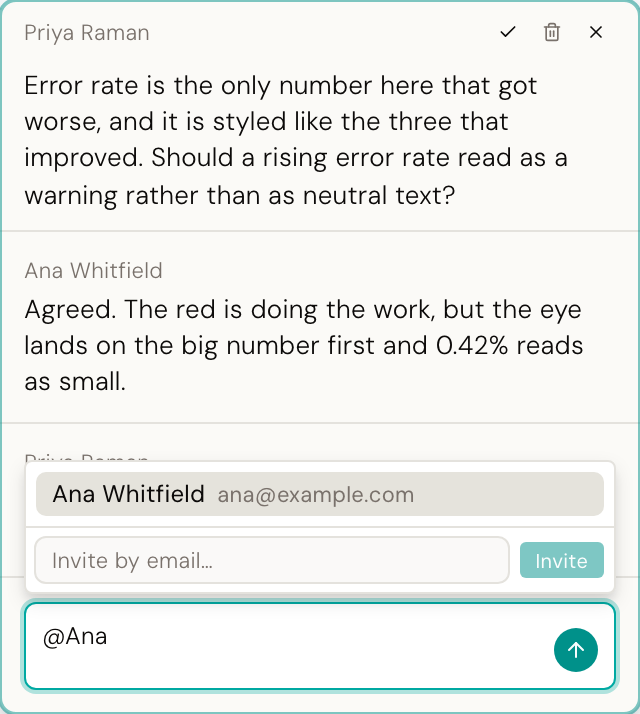
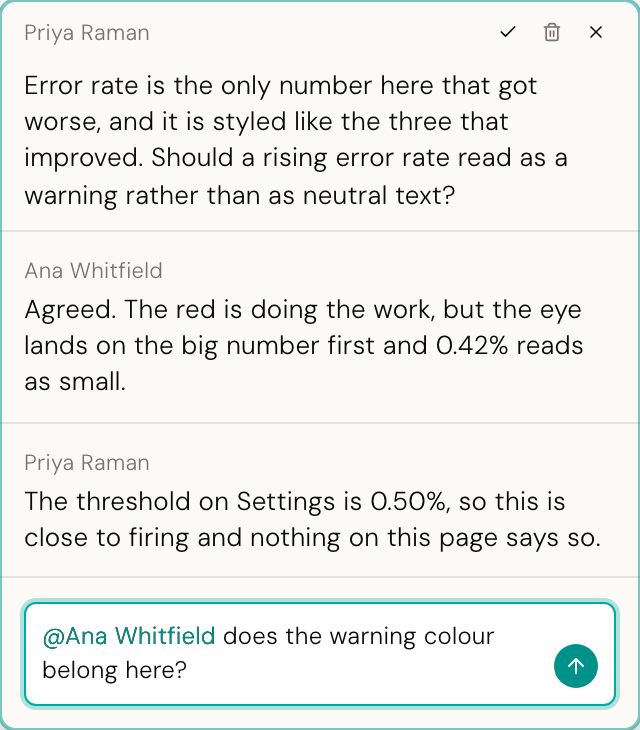
A viewer you host yourself serves the built prototype behind a link. Reviewers comment on the element they mean, the pin stays with it through layout changes, and the thread is right there for the person who can fix it.
Demo
From an edit to a resolved comment, in under three minutes.
Change a prototype in the editor, then share it in the viewer. A reviewer mentions you in a comment, the email arrives, and you make the fix.
The difference
It sets the component's own style, not a class.
Desde reads your component library's own type definitions and builds a manifest of every component and style. So when you click the label on a button, it knows that text is one of the component's own settings, and changes it there.
That is the difference between a prototype that stays inside the design system and one that slowly fills up with one-off overrides. The manifests come from the library you already installed.
What a generic visual editor does
<KButton class="pt-override-3f9">
  Save changes
</KButton>

/* + 4 lines of new CSS */
What Desde does
<KButton appearance="primary" size="large">
  Save changes
</KButton>
Two apps
One for making changes. One for hosting and collaboration.
Neither one needs the other. Use the editor, viewer or both.
Editor
Author
An app you open your prototype in. It runs the project's own dev server, so what you are editing is the real running thing. Click any element to inspect it, change a style, move it, delete it, or ask an agent for something fuzzier. Every change writes your real source files immediately. Your git is the save button.
- Your design system, not overrides
- Every style and variant, right where you click
- Direct edits. AI as the backup, not the default.
- Runs on your own AI subscription. No extra costs.
Viewer
Review
One small server you run yourself. Connect a GitHub repo, it builds the prototype and serves it with a review layer on top: click-to-pin comments, replies, mentions and email notifications. Everything it keeps lives in one database and one folder on disk. There is no cloud dependency.
- Host it behind a link, on your own machine or a server
- Comments pin to elements, so they survive a layout change
- Replies, mentions and email notifications
- Builds from a push, with live logs